Let's Bring the Revenue Licence Home in 3 Days

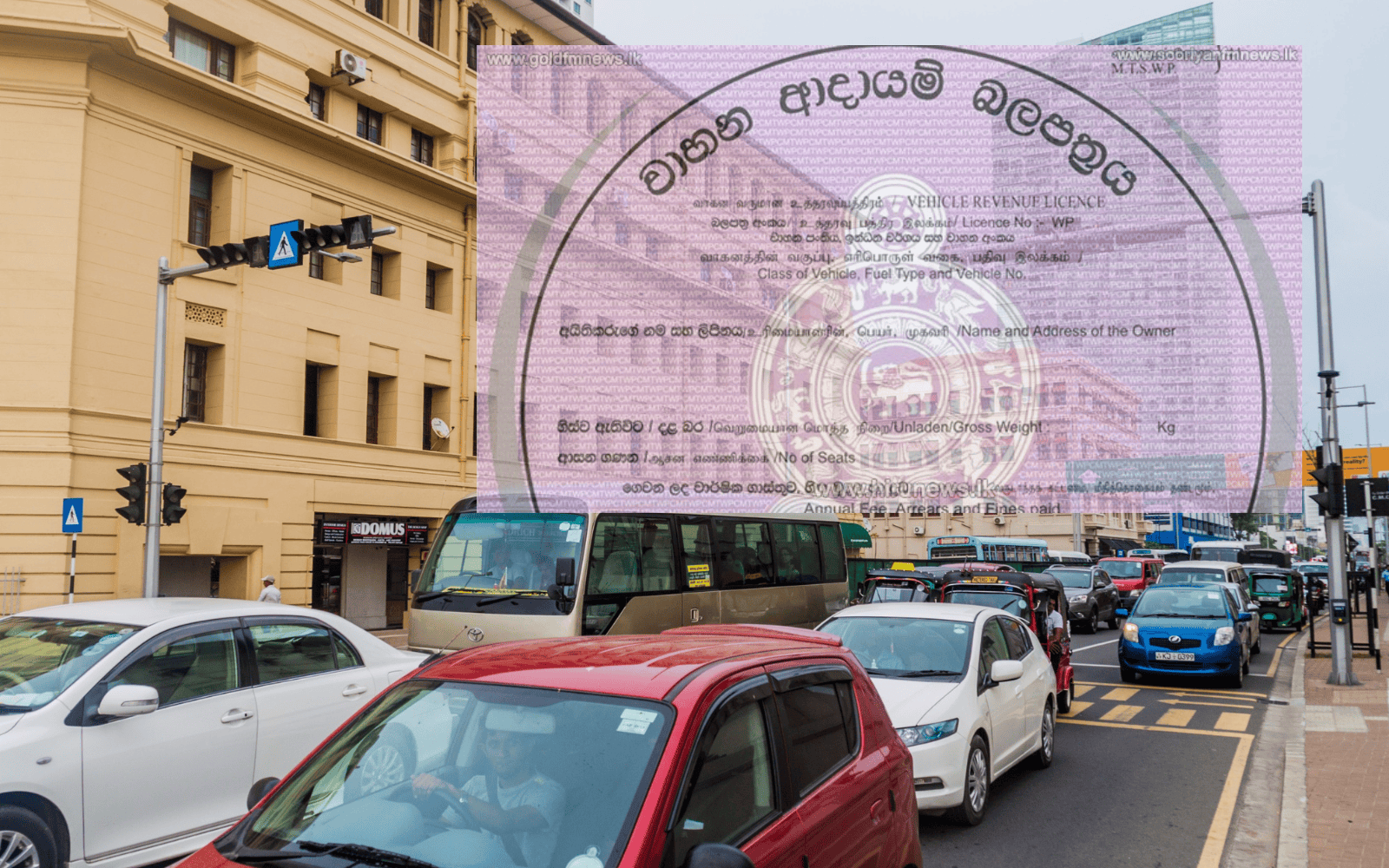
The vehicle revenue license is issued for a period of one year. Once this period expires, we must renew the revenue license. What happens to many people when renewing the vehicle revenue license is that they wait until the last day of the old one to get a new one, but for some reason, they can't get the new vehicle revenue license on time. Then, if they put the vehicle on the road in an emergency, the police catch them immediately. So, the biggest reason for this is not having time to go get the revenue license. But today, MotorGuide will tell you how to get your revenue license delivered to your home online, without having to wander around.
Required Things
- Vehicle emission certificate (within 6 months)
- Vehicle insurance certificate
- Old vehicle license number
- Vehicle number and chassis number
Insurance Companies Where Online Service is Available
Before processing the application, please ensure that you have a valid insurance certificate and vehicle emission certificate obtained from one of the companies listed below.
Insurance Services
- Amana Takaful PLC
- AIA General Insurance Lanka Limited
- Ceylinco Insurance PLC
- Fairfirst Insurance Limited
- HNB General Insurance LTD
- Janashakthi General Insurance Limited
- Sri Lanka Insurance Corporation
- Allianz Insurance Lanka Ltd
- Continental Insurance Lanka Limited
- MBSL Insurance Company Limited
- Peoples Insurance Limited
- Orient Insurance Ltd
- LOLC Insurance Company Limited
- Co-operative Insurance Company Ltd
- Sanasa Insurance Company Limited
- National Insurance Trust Fund
Vehicle Emission Certificate Services
- Clean Co Lanka (Pvt) Ltd
- LAUGFS Eco Sri (Pvt) Ltd
How to apply?
- First, visit the website www.motortraffic.wp.gov.lk.
- Click the icon for obtaining the revenue license.
- Click the Login icon.
- Log in using a Google account.
- Correctly select "New Revenue License" or "Renew".
- Select the correct province.
- Enter the vehicle number.
- Enter the chassis number and the last revenue license number.
- Check if the owner's name and address displayed on the screen are correct.
- If the address is incorrect, do not apply online.
- Select the relevant insurance company and emission testing institute and click the 'Validate' icon next to them.
- The payment web page will open, and then the amount to be paid will be displayed on the screen.
- Select the correct payment method (Amex/Paycrop).
- Follow the instructions provided by the payment system.
- The temporary revenue license will appear on the screen, and a copy of it will be sent to your logged-in Google account.
- The original revenue license will be sent via express mail service to the address of the owner whose name is stated in the vehicle registration document.
So, this is how you can easily get your vehicle revenue license from home. Using this service, you can renew revenue licenses for motor cars, motorcycles, dual-purpose vehicles, land vehicles, three-wheelers, and A-Z motor vehicles. However, for all other vehicles, you will need to visit any convenient Divisional Secretariat office.

Written by
Nipuna Marasinghe